
Download Autopager – infinite scroll, seamless browsing, free add‑on
Overview
Autopager is a browser add‑on designed to turn multi‑page web articles, product listings, and forum threads into a single, continuous scrollable page. The concept may sound simple, but the practical impact is huge for anyone who spends hours researching, shopping, or reading online. Instead of repeatedly clicking “Next” at the bottom of each page, Autopager silently loads the next segment in the background, appending it to the current view.
The extension marks each original page break with a subtle visual cue, letting you see where one page ends and the next begins. Small navigation controls appear at every break, offering one‑click shortcuts to jump up or down a page, or straight to the very top or bottom of the combined content. Autopager comes pre‑configured for a wide array of popular sites—including Lifehacker, The New York Times, Digg, eBay, Amazon, Yahoo, YouTube, Flickr, MySpace, Wikipedia, Twitter, and Google—so it works out‑of‑the‑box for many of the places you already visit.
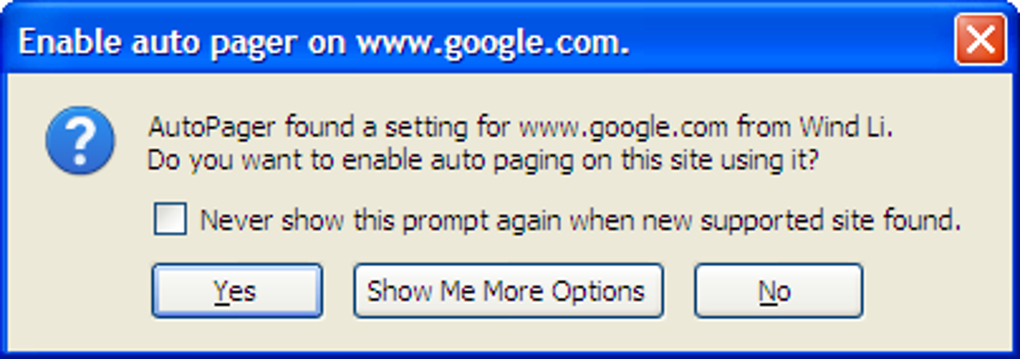
When you encounter a site that isn’t yet in the rule set, Autopager prompts you to enable it, and you can even create custom rules for new domains. While the add‑on offers a rich set of options, the learning curve can be steep for beginners; the online tutorials are essential for mastering rule creation and tweaking advanced settings. Overall, Autopager delivers a smoother, faster browsing experience, especially when you need to skim large volumes of content quickly.
Key Features & How It Works
- Automatic infinite scrolling for supported websites.
- Visual page‑break markers that preserve the original pagination context.
- One‑click navigation controls (up, down, top, bottom) at each break.
- Pre‑built rule set for over 30 major sites (news, e‑commerce, social media, etc.).
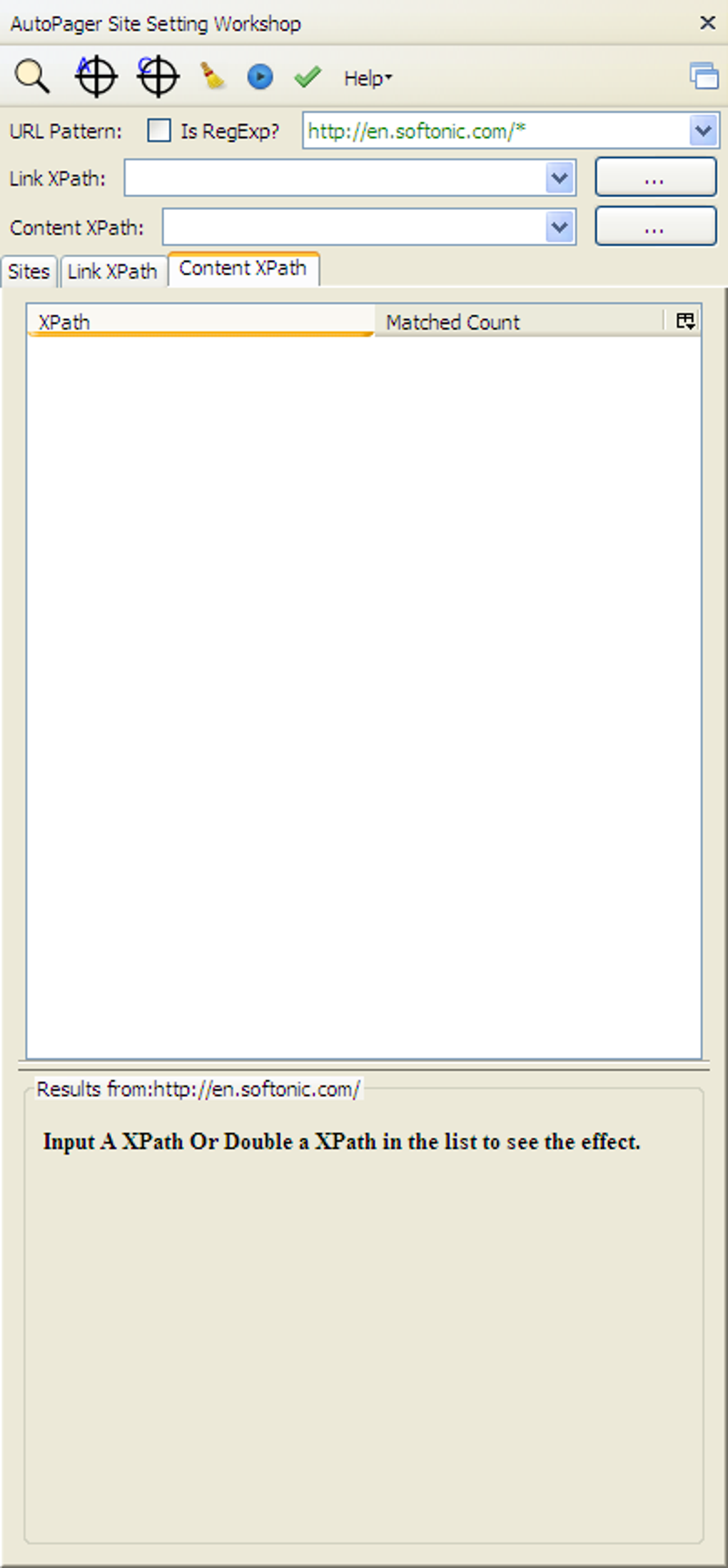
- Custom rule editor for adding new sites or adjusting existing patterns.
- Lightweight background loading that minimizes memory consumption.
- Toggle switch for enabling/disabling auto‑load on a per‑site basis.
- Secure handling of external scripts to prevent unwanted code execution.
- Regular updates that fix bugs such as memory leaks and XPath handling issues.
- Comprehensive online tutorials and community‑driven rule repository.
The core of Autopager’s functionality lies in a set of XML‑like rules that describe how a particular website structures its pagination links. When you land on a supported page, the add‑on scans the HTML for the defined “next page” selector, fetches the linked content via an asynchronous request, and injects it directly into the current document. This process repeats until the end of the article or list is reached, or until you manually stop it.
Because the extension respects the original page layout, images, ads, and embedded videos remain in place, preserving the look and feel you expect from the site. The visual markers—thin grey lines with small arrows—appear where each new page is appended, giving you an instant reference point if you need to jump back to a specific section. For power users, the custom rule editor provides a text‑based interface where you can define XPath or CSS selectors, set delay intervals, and decide whether to load content lazily (only when you scroll near the bottom) or all at once.
This flexibility makes Autopager suitable for both casual readers and researchers who need to harvest data from large catalogues.
Installation, Usage & Compatibility
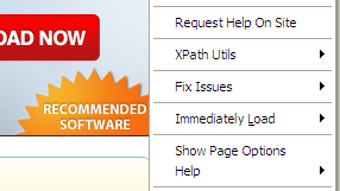
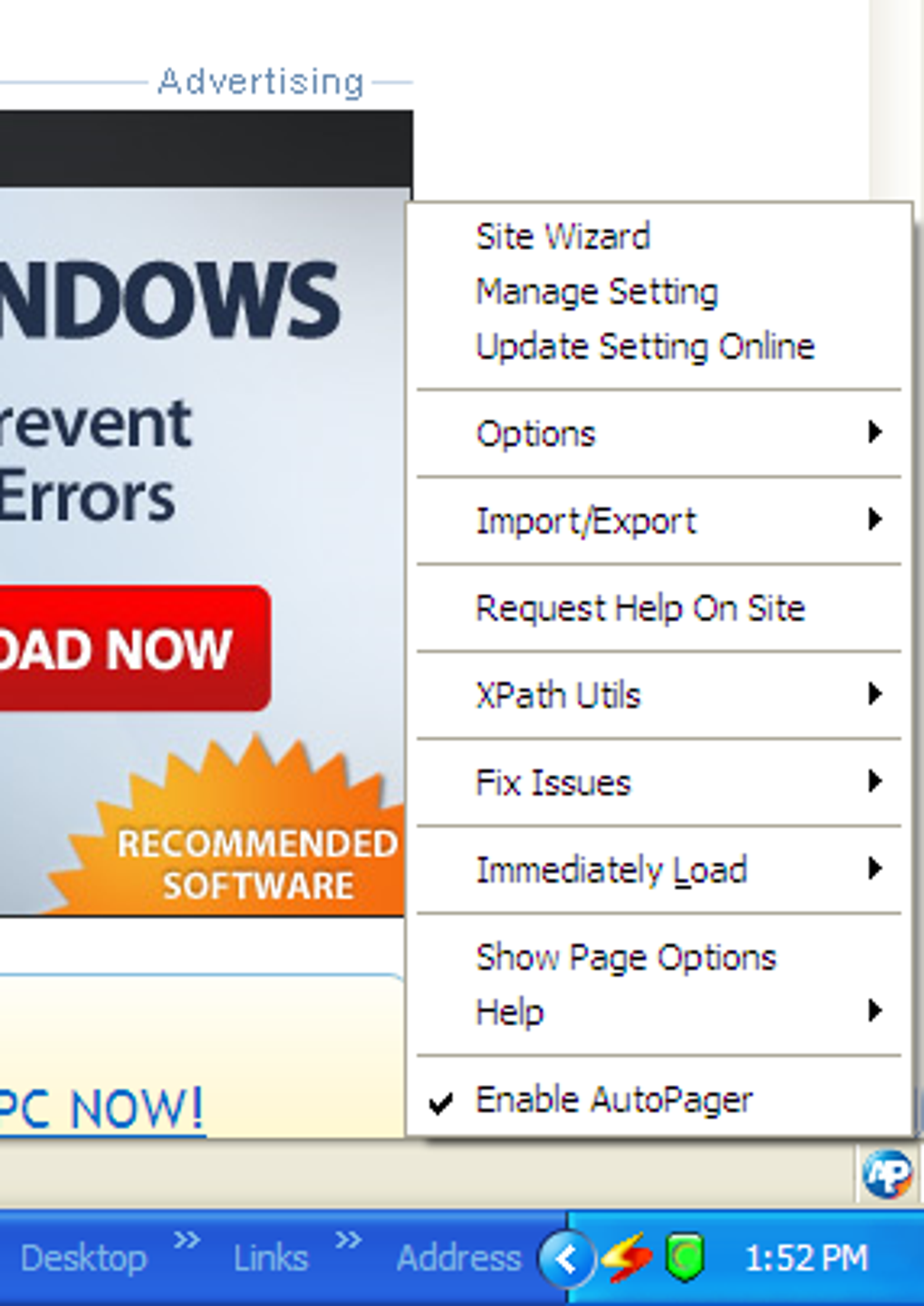
Installing Autopager is straightforward and works with the most popular browsers that support extensions. For Firefox users, simply visit the official add‑on page on addons.mozilla.org, click “Add to Firefox,” and confirm the permission request. Chrome and Chromium‑based browsers (Edge, Brave) also have a dedicated store listing; the process mirrors the Firefox flow: “Add to Chrome” → “Add extension.” Once installed, the Autopager icon appears in the toolbar, indicating the extension is active. Clicking the icon opens a small popup where you can enable or disable the auto‑scroll feature for the current site, access the rule manager, or view the help documentation.
First‑time use: Navigate to a supported site, such as a news article on The New York Times. Autopager will automatically detect the pagination pattern and begin loading the next pages as you scroll. A subtle banner at the top of the page confirms that “Auto‑paging enabled for nytimes.com.” If you prefer to keep pages separate, click the toolbar icon and toggle the switch to “Off” for that domain.
Custom rule creation: Open the rule manager from the popup, click “Add New Rule,” and enter the site’s domain. Then specify the CSS selector for the “next” link (e.g., a.next) and any optional selectors for content containers that should be merged. Save the rule, and Autopager will apply it the next time you visit the site. The community rule repository can be accessed from the same manager, allowing you to import ready‑made rules shared by other users.
Autopager is compatible with Windows, macOS, and Linux as long as you are running a supported browser (Firefox ≥ 78, Chrome ≥ 88, Edge ≥ 88, Brave ≥ 1.20). Mobile browsers currently do not support the extension, but a future version may include a lightweight Android/iOS companion app.
Pros, Cons & Frequently Asked Questions
Pros
- Eliminates repetitive clicking, saving time on long articles and product listings.
- Pre‑configured for many popular sites; works out‑of‑the‑box.
- Custom rule editor offers great flexibility for niche or new websites.
- Lightweight performance; recent updates fix memory leaks.
- Free to download and use, with optional donations for development.
Cons
- Initial configuration can be confusing for beginners.
- Not available for mobile browsers yet.
- Heavy use on very large pages may increase RAM usage temporarily.
- Some sites with aggressive anti‑scraping measures may block auto‑loading.
- Reliance on community‑maintained rules means occasional outdated patterns.
Frequently Asked Questions
Does Autopager work on all websites?
Autopager works on any site that follows a predictable pagination pattern. It comes pre‑configured for many major sites, and you can add custom rules for others. However, sites that use infinite scroll natively or heavily obfuscate their navigation may not be compatible.
Is the extension safe and privacy‑friendly?
Yes. Autopager only fetches the HTML of the next page and injects it into the current document. It does not collect personal data, nor does it send browsing information to third parties. All network requests are made directly from your browser.
Can I disable Autopager on a per‑site basis?
Absolutely. Click the Autopager toolbar icon while on a site and toggle the switch to “Off.” The setting is saved for that domain, so the extension will stay disabled until you enable it again.
What should I do if a rule stops working after a website redesign?
Visit the rule manager, select the affected site, and click “Edit.” You can update the CSS or XPath selectors to match the new markup. If you’re unsure, the community forum often has updated rules submitted by other users.
Is there a paid version with extra features?
Autopager is completely free. The developer accepts donations, but all core features—including custom rule creation—are available at no cost.
After testing Autopager on a variety of news sites, e‑commerce stores, and technical blogs, I can confidently say it dramatically speeds up content consumption. The automatic page‑break markers are a thoughtful touch, and the ability to turn the feature off per site respects both performance and privacy concerns. While the rule editor may require a brief learning period, the community‑driven repository mitigates most frustrations. Overall, Autopager is a must‑have utility for researchers, shoppers, and anyone who hates clicking “Next” repeatedly.
Rating: 4.5/5
Conclusion & Call to Action
Autopager delivers a practical solution to a surprisingly common annoyance: the endless cycle of clicking “Next” on multi‑page web content. By seamlessly merging pages into a single scrollable view, it saves time, reduces mouse fatigue, and improves overall browsing efficiency. The extensive list of pre‑configured sites means you can start using it immediately, while the customizable rule engine ensures that even niche or newly launched sites can benefit.
Although the interface may feel a bit complex at first, the available tutorials and community support make the learning curve manageable. If you frequently browse long articles, product catalogs, or forum threads, downloading Autopager is a smart move. Click the download button below, add the extension to your browser, and experience a smoother, faster internet.







